
Dhurandhar: The Revenge (2026)
Hindi original · Movie
229 min
Bollywood, regional Indian cinema, international stories and anime. Find the film. Choose the edition.

Hindi original · Movie
229 min
Hindi original · Movie
150 min
Hindi original · Series
5 seasons listed
English original · Movie
157 min
Punjabi original · Movie
133 min
Tamil original · Movie
141 min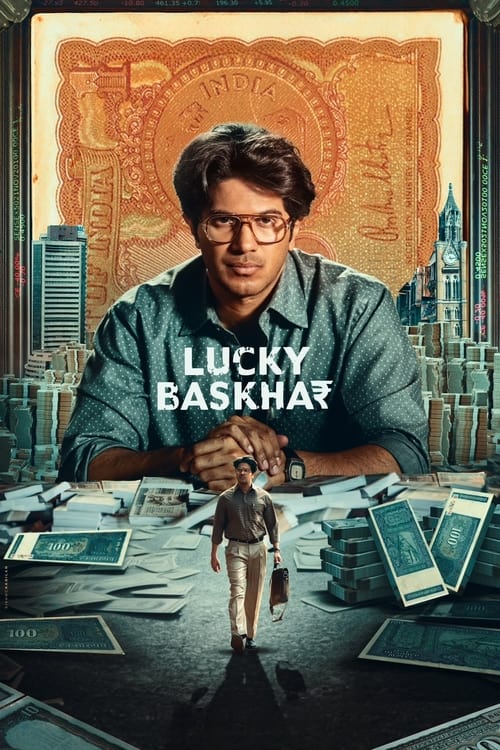
Telugu original · Movie
151 min
Japanese original · Series
2 seasons listed
Marathi original · Movie
148 min
Gujarati original · Movie
117 min
Hindi original · Movie
171 min
Hindi original · Movie
214 minHindi original · Movie
229 min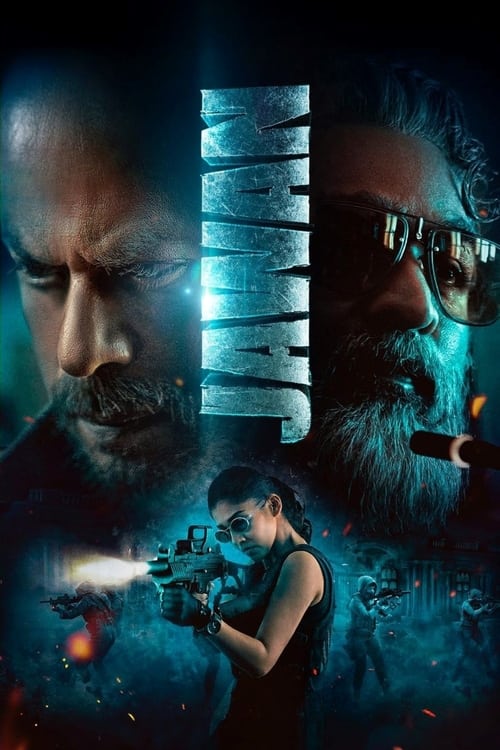
Hindi original · Movie
169 min
Hindi original · Movie
186 minHindi original · Movie
150 min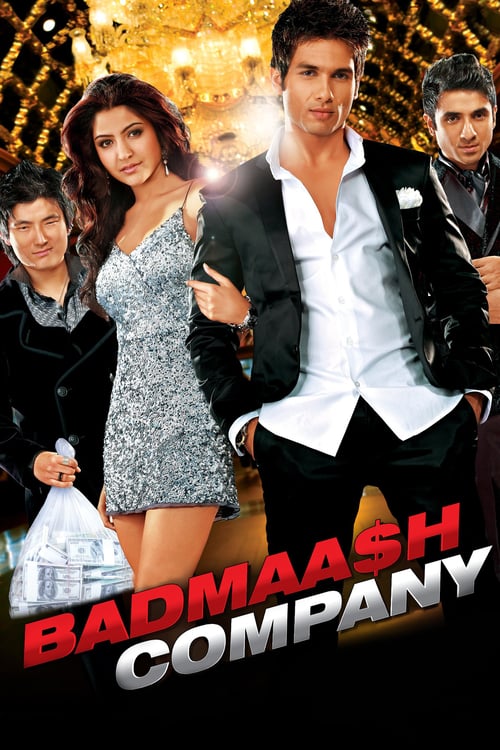
Hindi original · Movie
144 min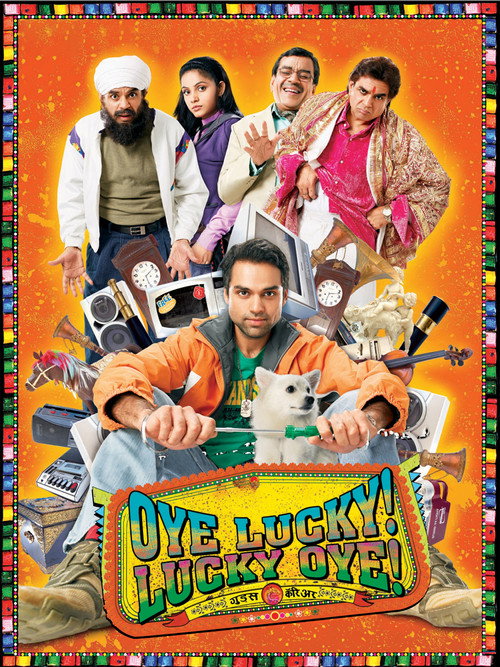
Hindi original · Movie
126 min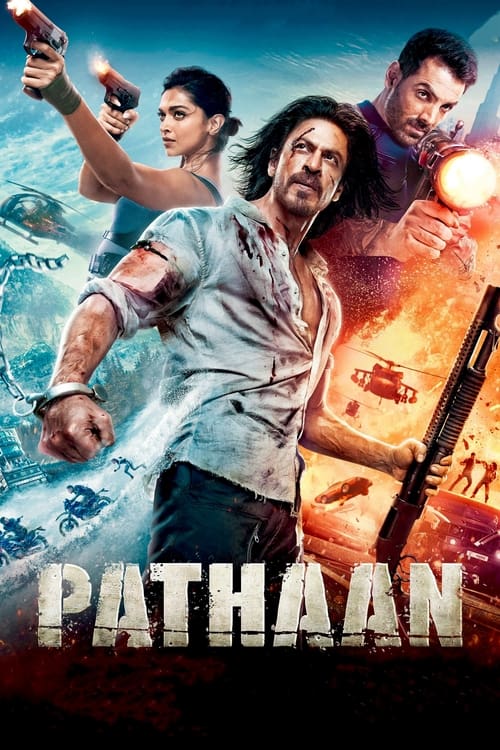
Hindi original · Movie
146 min
Hindi original · Movie
161 min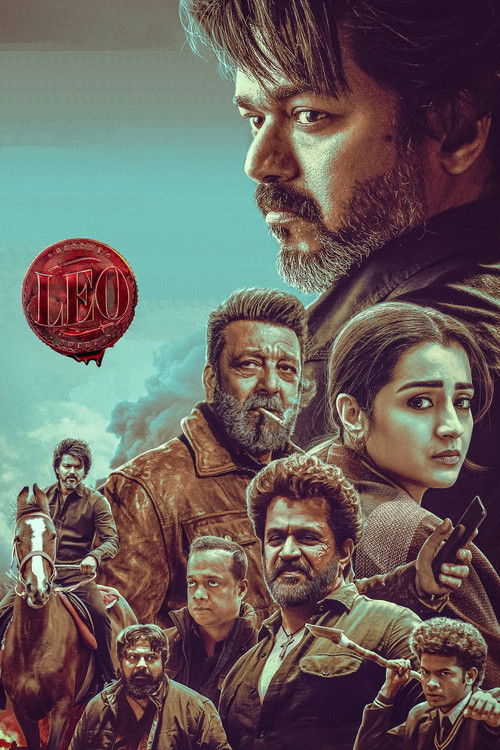
Tamil original · Movie
163 minTamil original · Movie
141 min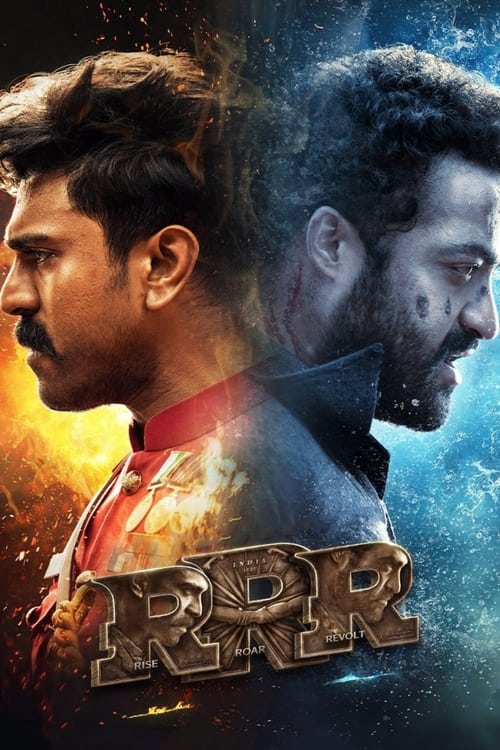
Telugu original · Movie
187 minTelugu original · Movie
151 min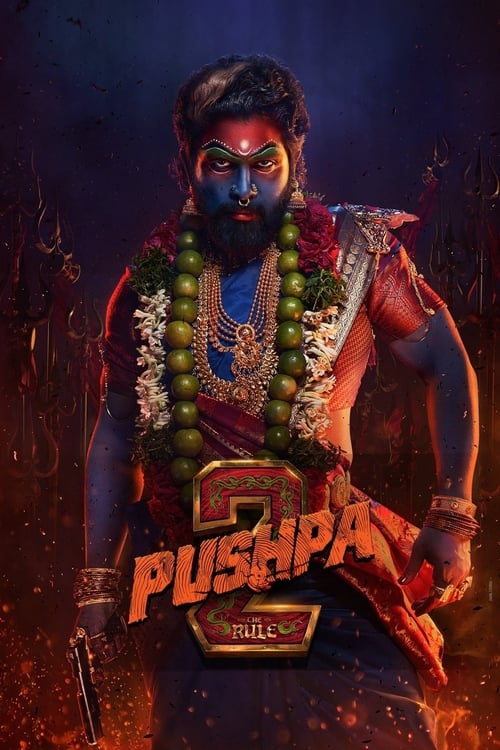
Telugu original · Movie
225 min
Tamil original · Movie
174 min
Telugu original · Movie
127 min
Telugu original · Movie
159 min
Telugu original · Movie
150 min
Malayalam original · Movie
172 min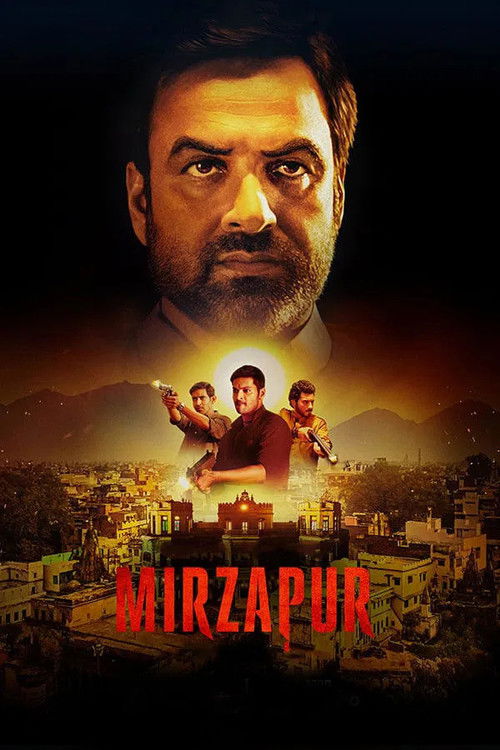
Hindi original · Series
3 seasons listed
Hindi original · Series
3 seasons listedHindi original · Series
5 seasons listed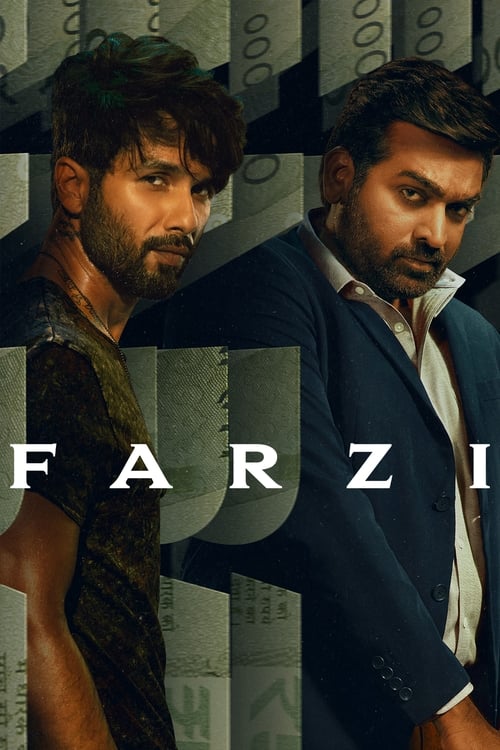
Hindi original · Series
2 seasons listed
Hindi original · Series
3 seasons listed
Hindi original · Series
1 season listed
Hindi original · Series
3 seasons listed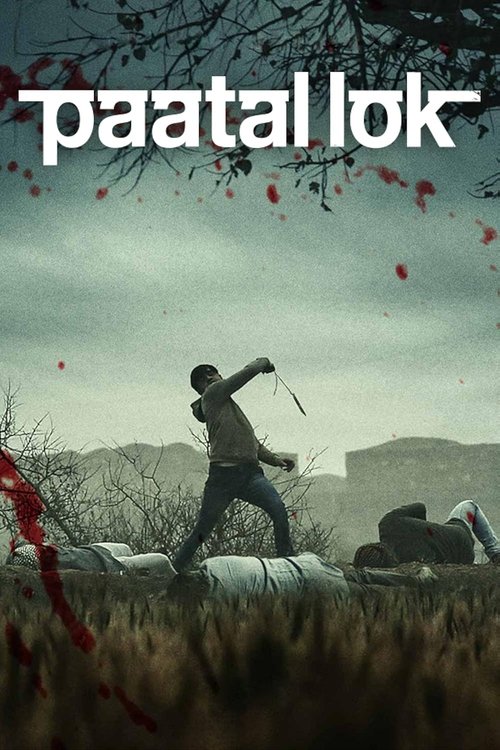
Hindi original · Series
2 seasons listed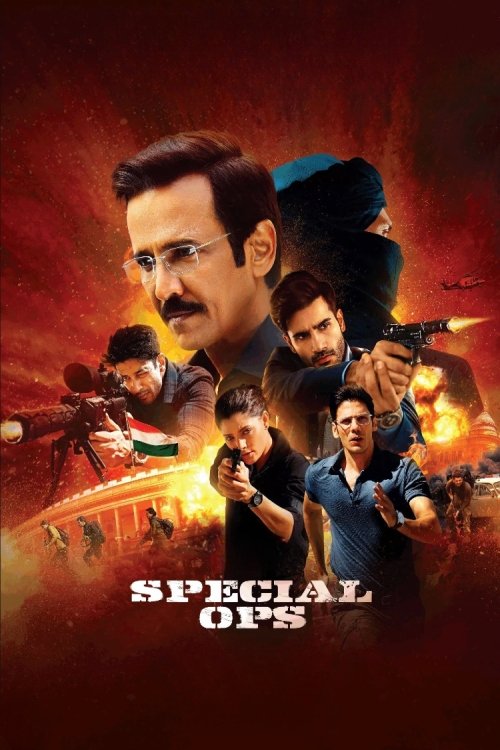
Hindi original · Series
2 seasons listed
Japanese original · Movie
106 min
Japanese original · Movie
100 min
Japanese original · Movie
122 min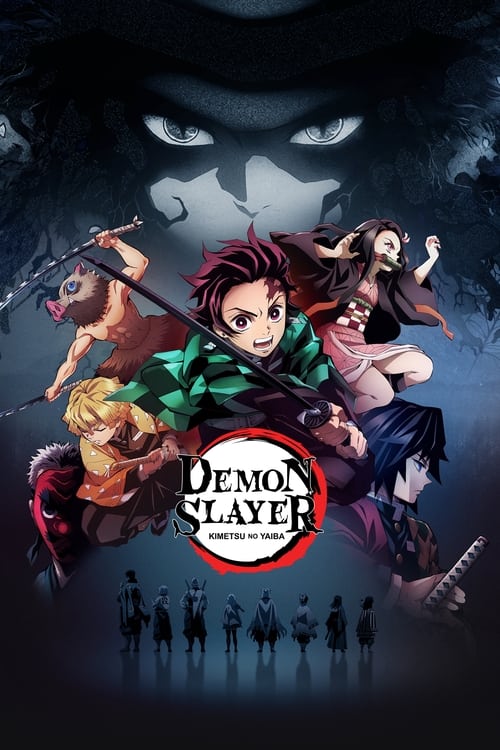
Japanese original · Series
5 seasons listedJapanese original · Series
2 seasons listed
Japanese original · Series
1 season listedChoose the film first, then check whether its viewing edition includes Hindi audio.
Read guide →Understand original audio, Hindi dubbing and subtitles without confusing one with another.
Read guide →Match picture quality to your screen, connection and the edition you choose.
Read guide →Plan a movie for travel, understand file-size labels and keep your shortlist ready.
Read guide →Use the browser catalog, create a shortcut and find the right place to play your chosen film.
Read guide →Get back to the catalog without confusing a new address with a different movie edition.
Read guide →Troubleshoot loading, search, saved titles, audio and playback without losing track of the problem.
Read guide →Choose a readable track that matches the language and edition you are watching.
Read guide →Find another way to choose a title, an edition or a viewing service when your first choice does not fit.
Read guide →हिन्दी फिल्मों, डब ऑडियो, वेब सीरीज़ और सबटाइटल के बीच सही विकल्प खोजें।
Read guide →A movie night can begin with a very precise request: Saiyaara, in the language you want, on the screen you have ready. It can also begin with almost nothing beyond the feeling that you want a good film. Bollyflix brings those two kinds of browsing together. Search a name you remember, look through Hindi movie picks, explore another Indian film industry, or settle into a web series. The poster is the invitation. The story, running time and language help you decide whether to accept it.
Bollywood sits at the heart of the selection, alongside Tamil, Telugu, Malayalam, Kannada, Punjabi, Marathi and Gujarati films. There is room for Hollywood adventures, Korean drama, international television and anime too. That variety is useful when it gives you a real choice, not just a longer page to scroll. A two-hour film, a long action spectacle and a series with several seasons ask for different kinds of attention. We keep those differences visible so the next click moves you closer to something you actually want to watch.
Use the catalog without creating an account. Open movie details, compare the original language and release year, and save possible choices to My List in this browser. When you are ready, Watch now opens viewing options on JustWatch for your selected country. The title stays the starting point. You can check the available edition, audio and picture quality there without turning the whole evening into another search for the film’s name.
This guide covers the questions that tend to arrive before a film starts: which collection to browse, what Hindi dubbed and dual audio mean, how to choose between HD and 4K, what works on a phone or television, and what to try when something will not load. You can read straight through or jump to the choice in front of you.
Sometimes the best movie is the one that fits the evening, not the one with the loudest recommendation. If you have a short window before bed, a long franchise instalment might not be the right choice. If everyone in the room wants to talk and laugh, a demanding mystery with important whispered dialogue can become frustrating. Start with the experience you want: something funny, something tense, a romance, a large-scale adventure or a story that leaves you thinking afterwards.
The movie selection makes running time visible where it is recorded. On the search page, Movie length separates films up to 120 minutes, films from 121 to 150 minutes, and films over 150 minutes. That is a useful first cut when the evening has a clear endpoint. The filter applies to films, not to a television season treated as one enormous movie. For a series, look at its seasons and decide how much of it you want to begin.
A summary should give you enough to choose without replacing the experience of watching. Read the premise, note the genre and stop once you know whether the situation interests you. A trailer or a detailed discussion can reveal more than you wanted, especially for a mystery. If a title already appeals, save it and leave the plot alone. You do not need to know every turn before giving a film a chance.
When two people cannot agree, narrow the disagreement. Are you choosing between languages, moods, length or familiar actors? Each of those has a different solution. A shorter film can resolve a time problem. Subtitles may resolve a language preference. A comedy with a suspenseful premise can sometimes bridge two moods. Bollyflix’s categories give you several practical ways to search without pretending that one popularity row knows the room better than you do.
Hindi cinema offers more than one familiar rhythm. The scale of Jawan or Pathaan feels different from the observation and character detail that draw viewers to 12th Fail or Laapataa Ladies. A romance such as Saiyaara is a different invitation again. The Bollywood and Hindi movie collection keeps these choices together without reducing them to one mood. Start with the film that suits you, then use its details to decide what belongs next.
Returning to an older favourite can be as satisfying as choosing a recent release. 3 Idiots is a natural starting point for viewers who want a recognisable Hindi film, while Bhaag Milkha Bhaag offers another kind of commitment. Badmaash Company and Oye Lucky! Lucky Oye! bring different characters and situations into the mix. An older year is not a warning that a title has stopped being relevant. It tells you where the film sits in time, which can be part of its appeal.
The latest films page orders the selection by recorded release date. It is useful when you specifically want something newer, but a release date is not the same as the day a film becomes available on every service. Open the viewing options for your country to check the edition you can watch. This also helps when a film has had a theatrical run before appearing in a home-viewing catalog.
Sequels deserve a little attention before the play button. Stree 2, for instance, is clearly an instalment rather than a completely unnamed starting point. Numbering can be explicit in a title or hidden behind a subtitle. Compare the year and premise when you are returning to a series of films after a long gap. If you want to watch earlier entries first, keep the order in your shortlist rather than relying on the order in which posters happen to appear.
You can also browse Hindi films by genre or year when a particular period interests you. That makes room for rediscovery rather than keeping every choice attached to the newest conversation. A movie you missed on release does not become a lesser movie because it is no longer new. The important question is whether you want to spend this evening with its story.
South Indian movies are often grouped together in a broad search, but the label covers distinct film industries and languages. Bollyflix gives you a combined collection when you want to explore widely and separate original-language pages when you know where to begin. Tamil, Telugu, Malayalam and Kannada are not interchangeable tags. Keeping them visible helps you identify a production, follow an industry you enjoy and choose the right audio later.
In the Tamil selection, Maharaja, Leo, Vikram and Kaatteri offer different ways into the catalog. A familiar actor might attract you first, but the premise still matters. The name Leo can also refer to a completely different film, which makes the Tamil original-language label and release year especially useful. Do not let a shared title send you into the wrong production simply because its poster appeared first.
For Telugu films, RRR, Hanu-Man, Lucky Baskhar, Aadikeshava and Pushpa 2 give you several points of entry. Some invite a longer evening, while others may fit the time you have more easily. Use running time and story together instead of assuming that every movie in the same language offers the same pace. If your interest began with a clip, read the title details to confirm that the scene belongs to the film you found.
Malayalam choices such as Hridayam, Makal, Manjummel Boys and Premalu can lead you in another direction. Kannada selections including Kantara, K.G.F: Chapter 2 and 777 Charlie broaden the range again. Browse with the same curiosity you would bring to any other cinema: a setting, a relationship, a conflict or a particular style may be what draws you in. The industry label is an entry point, not a complete description of the experience.
Many viewers arrive looking specifically for South Indian movies in Hindi dubbed editions. Find the original production in the collection, then inspect the audio offered by the viewing edition. A Tamil original can have a Hindi dub, but the original-language field alone does not confirm one. This distinction keeps your search broad enough to find the film while leaving the final soundtrack choice where it belongs: with the edition you will actually watch.
A useful Indian movie catalog should not make every regional choice disappear beneath Bollywood. Punjabi, Marathi and Gujarati collections give those films a visible place to begin. You can browse them directly from the language pages or move into a collection from a title that catches your attention. The point is to make another film easy to find, not to treat regional cinema as a footnote after the largest posters.
Punjabi movie searches often include a sequel number, especially for familiar comedy series. Sardaarji 3, Jatt & Juliet 3 and Carry On Jatta 3 should be identified as the particular instalments they are. Check the number and year if you are following a recommendation from someone who only remembers the franchise name. A poster with familiar faces can still belong to a different film in the series.
The Marathi collection includes Sairat, Ved and Naal. Rather than approaching them as one interchangeable category, read the individual stories and choose the emotional direction that appeals. A song or a scene circulating online can make a film familiar before you have seen it. The complete movie may offer a different pace and context from that fragment, which is part of the pleasure of discovering it properly.
Gujarati films such as Hellaro, Vash and Chaal Jeevi Laiye! give you another set of choices. The title Vash also illustrates why a language and year check matters: a short name can be used by more than one production. Our entry identifies the Gujarati film. If you are comparing it with a remake or a similarly titled release, use the original-language information rather than guessing from the spelling alone.
When watching with family or friends, language familiarity can be an advantage, but it does not automatically establish suitability for every age. Check the film’s subject matter and the age guidance provided by the service where you watch. A collection name tells you about language or origin. It does not turn every film inside it into the same kind of family entertainment.
Some evenings call for a change of language, scale or setting. Bollyflix’s English-language selection puts science fiction, action and darker stories within easy reach of the Indian film collections. Project Hail Mary, Dune: Part Two, F1, Superman and Jurassic World Rebirth offer recognisable starting points for different tastes. American Psycho and The Wolf of Wall Street belong to very different kinds of viewing, even though they share a broad English-language category.
A familiar title does not remove the need to check which film you are opening. Franchises can contain sequels, reboots and stories that use a similar name after many years. Compare the release year and synopsis before choosing an edition. If you want a specific instalment, the complete title is more useful than a broad franchise search. Save the correct entry once you identify it so you do not repeat that comparison later.
Korean movies deserve their own space beside Korean television. Train to Busan and Exhuma are films, while Squid Game and romantic dramas ask you to follow episodes. The shared language does not make their structure or tone equivalent. Use the type filter if you specifically want a complete movie tonight, then browse Korean originals. If you want a longer commitment, move to the series page and check its seasons.
Our selection also includes Khanzab, an Indonesian film. A title like this can be difficult to find if you only browse the largest English-language rows. Original-language pages offer a straightforward way to see what else is present without pretending that the selection represents every film from a country. Choose the individual production, read its premise and compare viewing editions just as you would for a Hindi movie.
When trying unfamiliar cinema, subtitles can be a better introduction than waiting for a particular dub. They let you hear the actors’ original delivery while following the dialogue. If you prefer dubbing, that is a practical preference too. The important part is choosing an available edition that makes the story comfortable to follow, rather than treating one language option as a test you have to pass.
A film usually asks for one sitting. A web series asks you to return. That difference changes the way you choose. A premise can be attractive, but it helps to know whether you want a brief visit to its world or several evenings with its characters. Bollyflix’s series pages show recorded season information so you can inspect the shape of a show before adding it to your list.
The Indian web series selection includes Panchayat, The Family Man, Mirzapur, Farzi, Kota Factory, Asur, Paatal Lok, Special Ops and Scam 1992: The Harshad Mehta Story. These names cover different settings and tones. Do not choose only by how often a title appears in conversation. Read the premise and consider whether you want comedy, crime, suspense or another kind of story before beginning the first episode.
International television offers another route. Breaking Bad is a different commitment from a movie, while Daredevil: Born Again and Ironheart may attract viewers following particular characters. The live-action ONE PIECE entry should not be confused with the long-running animated series. A familiar property can have multiple adaptations, and the format, year and original language help keep them apart.
The recent episode dates page shows the last recorded episode for series in the selection. It is a way to identify a season and episode, not a promise that every service has already made that episode available in your country. Season tables can also include scheduled episodes within their totals. Compare the season you intend to watch with the viewing service’s actual episode list.
If you are returning after a break, check the episode number before opening a summary that might reveal later events. My List keeps the series easy to find, but it is not a synced playback history or an automatic continue-watching row. Your viewing service may remember your progress separately. Keep those two functions distinct so a saved show does not get mistaken for proof that a particular episode has been completed.
Anime fits more than one kind of evening. An animated film gives you a complete feature-length experience, while a series lets you stay with its world over many episodes. The anime collection places both formats together and labels them clearly. Your Name., Suzume and Chainsaw Man – The Movie: Reze Arc appear beside series such as Blue Box, Demon Slayer: Kimetsu no Yaiba and Solo Leveling.
The first question is whether the title is a useful starting point for you. A film connected to an existing series may assume that you already know its characters and situation. A numbered season can do the same. If you are new to the story, inspect the title and season information before jumping into the most recent release. Popularity alone is not a viewing-order guide.
Audio preferences can be especially important with anime. Some viewers prefer Japanese dialogue with translated subtitles; others want a dub so they can concentrate on the animation. Check the edition for the language combination you want. The Japanese original-language label identifies the animated production, not every language in which its underlying story has been published or every dub that might exist.
Adaptations need separate attention. The live-action ONE PIECE series belongs in international television here, not in the anime collection. The title connects the productions, but the performances, format and episode structure are different. If someone recommends “One Piece,” ask yourself which version they meant before committing to the first result. The same habit helps with animated films, remakes and stories that move between television and cinema.
For subtitles, comfort matters over a long run of episodes. Choose a readable size and sufficient contrast where the player allows it. Check the translation language at the start instead of discovering halfway through that you selected a limited or differently translated track. A small adjustment before the opening scenes is usually less distracting than repeatedly interrupting the story later.
Movie names travel. A title can appear in its original script, a transliteration, an English translation or a shorter form used in conversation. Search on Bollyflix checks the display title, original title and saved aliases in the catalog. This helps when the name you heard differs from the name printed most prominently on the poster. It is still worth checking the result’s year and story before deciding that you found the right film.
Laapataa Ladies is a useful example because it is also known as Lost Ladies. Either name can lead you to the same production here. Kaatteri may be remembered as Katteri. Punctuation and spacing can also vary in everyday searches. Start with the distinctive part of the name, then add the year or another filter if you need to narrow the results. Typing a long string of unrelated words can make a simple title harder to locate.
If you remember the movie but not its language, leave the original-language filter open at first. Someone may have recommended a Hindi dubbed edition of a Tamil original, and filtering for Hindi originals would hide it. Find the production first. Choose the spoken language of the viewing edition afterwards. This is one of the most useful distinctions when searching across Indian industries and international films.
A result count of zero does not always mean the title search is broken. Remove the year, genre or movie-length restriction and try again. A film listed under one genre can still contain elements of another, while a remembered release year may refer to a later local release. If the title is not in this selection, no combination of filters can create a missing entry. Try another choice without treating an empty result as a claim about all movies everywhere.
Filters are most useful when each one answers a real preference. “A Hindi movie from 2024, under two hours” is a clearer starting point than endlessly scanning every poster. Bollyflix combines title text, movie or series type, original language, genre, release year and movie length. You can also change the order to title, release date, popularity or rating. Apply the choices that matter and leave the others open.
Be careful not to narrow too quickly. If you want a funny film, begin with Comedy and a suitable running time before insisting on a particular year and language. A neighbouring choice might fit the evening better. If you want one exact movie, search its name with no other restrictions first. Filters should remove irrelevant options, not accidentally hide the title you came to find.
The production-country pages describe where films and series were produced. A co-production can appear under more than one country. This is different from the viewing-country setting used by Watch now. A film produced in India may have viewing options in several countries, and an American production may be available in India. Keeping the two meanings separate makes both kinds of browsing more useful.
Ratings offer another perspective, not a universal verdict. The scores in this catalog come from TMDB and include their vote counts on title pages. A score based on a handful of votes is a smaller sample than one based on thousands. The highly rated selection requires at least 100 votes, while individual regional titles can remain in the catalog with fewer. That preserves useful films without pretending that every numerical average carries the same weight.
If you arrive looking for Top IMDb movies, the highly rated page gives you a rating-led selection while clearly identifying the source of its scores. TMDB ratings are not relabelled as IMDb ratings. Use them to discover a possibility, then read the premise and decide whether that possibility belongs in your evening.
Hindi dubbed means that an edition offers dialogue performed in Hindi for a film originally made in another language. Dual audio describes an edition with two selectable audio tracks. Those ideas can overlap, but they are not identical. A dual-audio label needs to identify the actual languages before it tells you whether the edition meets your preference. Two tracks do not necessarily mean Hindi and English.
When you want Hollywood movies in Hindi or a South Indian film with Hindi dialogue, first identify the original production. The original-language label in Bollyflix helps with that identification. It is not an audio switch. Open the viewing option, find its audio menu and check for the language you want. This avoids confusing a translated description or Hindi subtitle track with a Hindi soundtrack.
A Hindi remake is another distinct possibility. It can share a premise with a Tamil, Telugu or other film while having a different cast, director and release record. A dub preserves the underlying production and changes its spoken performance; a remake is a separate production. If your interest is in a particular actor or scene, that difference matters. Compare the synopsis and year instead of treating every translated title as the same movie.
For web series, inspect the season you intend to watch. Language choices can vary between seasons or editions. A provider may also remember an earlier audio preference, causing the next episode to begin in a language you did not expect. Check the selected track before assuming that the file or episode is wrong. One setting can explain the problem more directly than searching for the entire series again.
Our Hindi dubbed guide and dual-audio guide take these choices further. If your preferred dub is unavailable, an original-language edition with suitable subtitles may still give you a good evening. If listening without reading is important, keep that preference and compare another available title. Comfort with the dialogue is part of choosing the film, not a minor detail to ignore.
Subtitles can open a film to viewers who would otherwise miss it. They can also help with accents, quiet dialogue or scenes where characters switch languages. Choose the translation language on the viewing edition, then watch a short scene to make sure the text is comfortable. The availability of multilingual subtitles depends on that edition, not simply on the country where the movie was produced.
Not every text track serves the same purpose. A full subtitle track usually follows dialogue throughout the film. A forced track may translate only selected lines or signs. Captions can add speaker identification and important sound descriptions. If words appear only occasionally when you expected continuous dialogue translation, check the track type before deciding that subtitles have stopped working.
Where the player offers subtitle customization, try a size that remains readable from your usual viewing distance. A dark background or outline can help on bright scenes. Excessively large text can obscure the frame, especially on a phone in landscape orientation. Set the style for the device you are actually using, because settings that feel comfortable on a laptop may look different across the room on a Smart TV.
A dub and a subtitle translation do not always use identical wording. That can be normal when they were adapted separately. A serious timing mismatch is another issue: a different cut, opening recap or scene length may put the words ahead of the picture. Check that the track matches the edition before making repeated adjustments. The subtitle guide explains the common differences without turning every film into a technical exercise.
Picture quality matters most when it supports the film without interrupting it. HD streaming is a broad starting point, while 720p, 1080p and 4K describe more specific resolution categories. A larger number can preserve more detail on an appropriate display, but the number alone cannot tell you everything about the image. Source quality, compression, movement, contrast and the screen itself all affect what you see.
A small phone screen and a large television do not place the same demands on a picture. On the phone, steady playback and readable subtitles may be the priorities. On the television, fine detail and compression around fast movement can be easier to notice. Choose the actual edition and quality setting available to your device rather than assuming that the most ambitious label is always the best practical choice.
For 4K streaming, several parts of the setup need to agree: the title’s offered edition, the viewing service, any required plan, the device and the connection. A 4K display does not make a lower-resolution source native 4K. Likewise, a movie poster shown sharply in the catalog is not evidence that the video is available in that resolution. Inspect the viewing option for the film you selected.
Adaptive bitrate playback, when provided by the player, can change picture quality as the connection changes. Manual quality controls may let you choose a steadier lower setting instead. If a film keeps pausing at a higher resolution, a modest reduction can be a better experience than repeatedly waiting for the next scene. A clear, continuous story usually beats a sharper picture that never gets going.
Our quality guide covers 480p, 720p, 1080p and 4K alongside small-file labels. Use those distinctions to make a sensible choice, not to judge a film’s value. A beautifully told older movie does not become unwatchable because another release carries a larger resolution badge. The point is to find the best available presentation for the story you want.
Mobile browsing should make a quick choice easier. On Bollyflix, the compact menu opens the same core categories used on a larger screen. The search field remains easy to reach, and poster cards move into a narrower grid. Open a title, check its running time or seasons, save it if you are undecided, and return to the selection without needing a catalog account.
If you prefer an icon on your home screen, your browser may offer a shortcut or installation option. The wording differs between devices and browsers. A shortcut opens this website more conveniently; it is not a separate movie player and does not turn online titles into offline files. Keep a connection available for catalog browsing, poster loading and the external viewing options.
People also search for a Bollyflix app, Bollyflix APK or an Android download. There is no native APK distributed here. You can use the browser site without installing one. If your goal is to watch on a phone, begin with the film and the supported viewing service. Its app may offer playback or downloads that differ from what its browser version supports.
Mobile streaming uses the player you choose after opening a viewing option. Picture-in-Picture, background behaviour and playback speed are controlled there, when supported. Bollyflix does not add those controls to an external player. If you want to keep a small video window visible while using another app, check the provider and device settings rather than searching the catalog’s navigation for a hidden player button.
Remember that My List belongs to this browser. Private browsing or another browser profile may show a different list. That is especially easy to overlook when a home-screen shortcut opens in a different context from a link inside a messaging app. Save your choices in the browser you normally use, and look for the confirmation message before closing the page. The mobile and app guide keeps these practical details together.
A larger screen gives you more room to compare titles. On desktop, the five-column poster grid keeps a dense selection visible without making each movie a full-screen advertisement. A tablet sits between that overview and the phone layout. The same movie details and categories remain available, so moving between screens does not require learning a different catalog.
For a Smart TV, the easiest route is often to choose the film on the device where typing is comfortable, then open its supported viewing app on the television. Television browsers vary in how well they handle text entry, remote navigation and external pages. A service’s native TV app may provide a more suitable player than its browser page. Check support for your particular device before assuming the two behave identically.
Casting is another option where the selected service and devices support it. The availability of a cast button belongs to that playback setup. It does not follow from a poster being visible on your phone. Confirm that the phone and television are using the expected connection and that the service supports the intended receiver. If the cast option is absent, use the provider’s documented viewing method rather than repeatedly changing the movie selection.
Consoles can also have supported streaming apps, but browser support and app availability differ. Keyboard shortcuts on a desktop player may have no equivalent on a remote or controller. Check the controls shown by the player itself for seeking, pausing, audio and subtitles. Once those are familiar, you can focus on the film rather than trying to make every device imitate a laptop.
Offline viewing is a practical concern before a journey, a commute or a stay with unreliable connectivity. Start by choosing the titles you want, then check whether the viewing service offers downloads for those editions in its app. A film available to stream in a browser may not be downloadable there. Plans, devices, expiry periods and title-specific restrictions can affect what the app permits.
My List is useful preparation, but it saves a title choice, not its video. It will not make a movie play without a connection. If an app supports offline viewing, complete the download and check the language before leaving reliable Wi-Fi. For a series, inspect the episode numbers and completion indicators. One saved episode or a partial download is not the same as having the whole season ready.
Searches for Bollyflix 300MB movies or small-size downloads usually reflect limited storage or data. File size alone cannot establish resolution, completeness or language. A longer film, extra audio tracks and different compression choices all affect the amount of data. Treat a size label as one piece of information, not a guarantee that the film will look or sound a particular way.
If time is the constraint, use the movie-length filter. If data is the constraint, choose an offered download quality in the service’s app. If storage is the constraint, check what you have already saved before adding several more films. These are separate problems, and a different adjustment may solve each one more cleanly than chasing the smallest number attached to a title.
Bollyflix does not distribute movie files or torrents. The downloads guide explains how to prepare for offline viewing using the options attached to your chosen service. That keeps your plan centred on the film and edition you want instead of turning a travel shortlist into a collection of unrelated download names.
Watching movies online begins with the film, but the available viewing arrangement matters too. A title may appear through a subscription, a rental, a purchase or a free offer, depending on the service and country. If you specifically want free movies online, inspect the current offer for the exact title. A free trial, an ad-supported option and a permanently free catalog are different arrangements.
Bollyflix browsing itself does not require registration. You can search, read movie details and save choices in this browser without opening an account here. That does not remove the requirements of a viewing service you choose afterwards. The destination may ask for an account or payment for a particular edition. Check those terms before deciding that an option fits what you meant by free.
The viewing-country setting is important because catalogs differ across borders. Choose the country where you are watching, not the film’s production country. Watch now uses that preference when it opens JustWatch. The resulting options help you compare services for the title, but the service’s own page is where you confirm the current language, quality, access terms and season availability.
Do not let a familiar service name replace the title check. A movie can move between catalogs, and different seasons of a show can have different options. If you search for a Netflix series or another service-associated title, identify the production and then check the current offering. A broad association is less useful than knowing whether the particular season or film is available to you now.
When the first option does not fit, keep the correct title open and compare another. If none works for tonight, return to your shortlist. A second-choice film that fits your time, language and access preferences can be a better evening than spending an hour trying to force the first choice into conditions it does not meet.
A long list of possible films can become another thing to browse indefinitely. Keep My List focused on titles you genuinely want to consider soon. A familiar favourite, a recent film you missed and one more adventurous choice can be enough. You do not need to save every poster that looks attractive to make the feature useful.
Open a title and choose Save to My List. The button changes to confirm that it is saved in this browser. You can return through My List, open the details again and remove the title using the same control. This gives a browsing session a useful endpoint: a few choices you can actually return to rather than another set of forgotten tabs.
Saved titles and the viewing-country preference remain local to this browser’s website storage. They are not synchronized through an account. Another device, a private window or cleared site data can show an empty list. Keep this in mind before cleaning browser storage if your shortlist matters to you. The site cannot recover choices that were never copied or synchronized elsewhere.
For series, a saved title means you want to keep the show close. It does not record which episodes you watched in another player. Your viewing service may provide that history separately. Use Bollyflix for finding and choosing the production, and the player’s own history for returning to the moment where you stopped.
People remember a brand name longer than they remember its exact address. That leads to searches combining Bollyflix with old domain endings, a new site, a mirror or unblocked access. Similar names can lead to different websites. A familiar word in an address does not by itself establish that the page has the same operator, catalog or features as another one you used before.
If the homepage here opens but an old bookmark does not, search the title from the current catalog. A broken deep link and an unavailable website are different problems. Check the name and year, then save the correct entry again. This can resolve a simple navigation issue without sending you through a chain of unrelated domains.
A mirror address is also different from a streaming server or another viewing edition. Changing the website address does not prove that a missing Hindi dub, subtitle track or episode becomes available. If the film is correct but the edition is unsuitable, inspect the available viewing options for your country. Solve the edition problem directly rather than treating it as a domain problem.
Our domain and access page does not publish an invented list of official replacements. It explains the useful distinctions and how to get back to the catalog. If you want an alternative to Bollyflix, decide whether you need another site, another service or simply a different film. MoviesJoy, Cineb and other familiar names can prompt further browsing, but their names alone do not confirm a particular title or audio choice.
The alternatives guide starts with the choice you are trying to change. Sometimes a shorter film, a different language collection or another available edition is the most useful alternative. That keeps the evening moving without assuming that every obstacle requires abandoning the title and beginning an entirely new search.
When something does not work, identify the failed step first. Did the Bollyflix page fail to open? Did search return no results? Did Watch now fail to open another page? Or did a video player open successfully and then pause, lose sound or show the wrong subtitles? These symptoms belong to different parts of the experience, so they should not all receive the same fix.
For a catalog loading problem, check the address and try a normal reload. If other websites also struggle, investigate the connection. If only search looks empty, remove filters and try a shorter name. If My List is empty, check the browser profile and storage rather than changing video settings. Clearing all browser data immediately can remove useful preferences without solving the original issue.
Playback takes place through the option you choose outside the catalog. Some players offer quality settings, audio menus or alternative delivery choices. Bollyflix does not supply its own switchable streaming servers. A server label elsewhere should not be confused with a different movie, a different cut or proof that every language is available. Check what the player actually offers before changing settings.
For repeated buffering, try one lower offered quality setting and see whether playback becomes steady. Check whether another device or large transfer is using the connection. If one title fails while others play normally, the edition may be the issue. If everything buffers, the device or network deserves attention first. Changing several settings at once makes it harder to tell what helped.
HTML5 player technology and content delivery networks can support modern web video, but those labels do not guarantee a particular result on every device. The service’s implementation, connection and media edition still matter. Use the controls that are present instead of relying on a technical phrase in a description. For audio, subtitles and device-specific symptoms, the not-working guide gives a more focused starting point.
Browse Bollywood movies, regional Indian films, Hollywood titles, web series, Korean productions and anime. Title pages show the story, original language, release information and viewing links. Search and My List help you turn those choices into a shortlist.
Yes. Searching the catalog, reading title details and saving choices in this browser do not require a Bollyflix account. A viewing service opened afterwards may have its own account or payment requirements.
Find the original film first, then inspect the audio offered by its viewing edition. The original-language filter describes the production, so a Tamil or English original should not be filtered out merely because you want to hear a Hindi dub.
No. It indicates two audio tracks, but the language pair must be specified. Check the edition’s audio menu for the languages actually offered rather than assuming which two are included.
No single resolution applies to every viewing option. Check the chosen edition, service and device for available quality. The poster resolution and the movie’s original-language label do not establish its streaming resolution.
No. My List remembers a title choice in this browser. It does not save the video for offline playback. For offline watching, check whether the chosen viewing service offers downloads in its supported app.
This website does not distribute a native Bollyflix APK. Use the browser catalog directly. A home-screen shortcut, where your browser supports one, gives quicker access without supplying a separate movie player.
It opens viewing options for the selected title and country. Compare the available editions there, then confirm audio, quality and access terms on the service you choose.
Check whether you are using the same browser and profile. Private browsing, another device or cleared website storage can show an empty list because saved choices are not synchronized through an account.
It identifies the last recorded episode in the catalog. Availability can differ by service and country. Check the viewing edition’s episode list before assuming that a recorded or scheduled episode is available there.
No. The catalog displays TMDB scores and vote counts. The highly rated selection requires at least 100 votes and labels its source, including when you arrive looking for Top IMDb movies.
Not necessarily. A broken title link, an empty search and a video-player error are different problems. Check the failed step in the help guide before treating one failure as a site-wide outage.